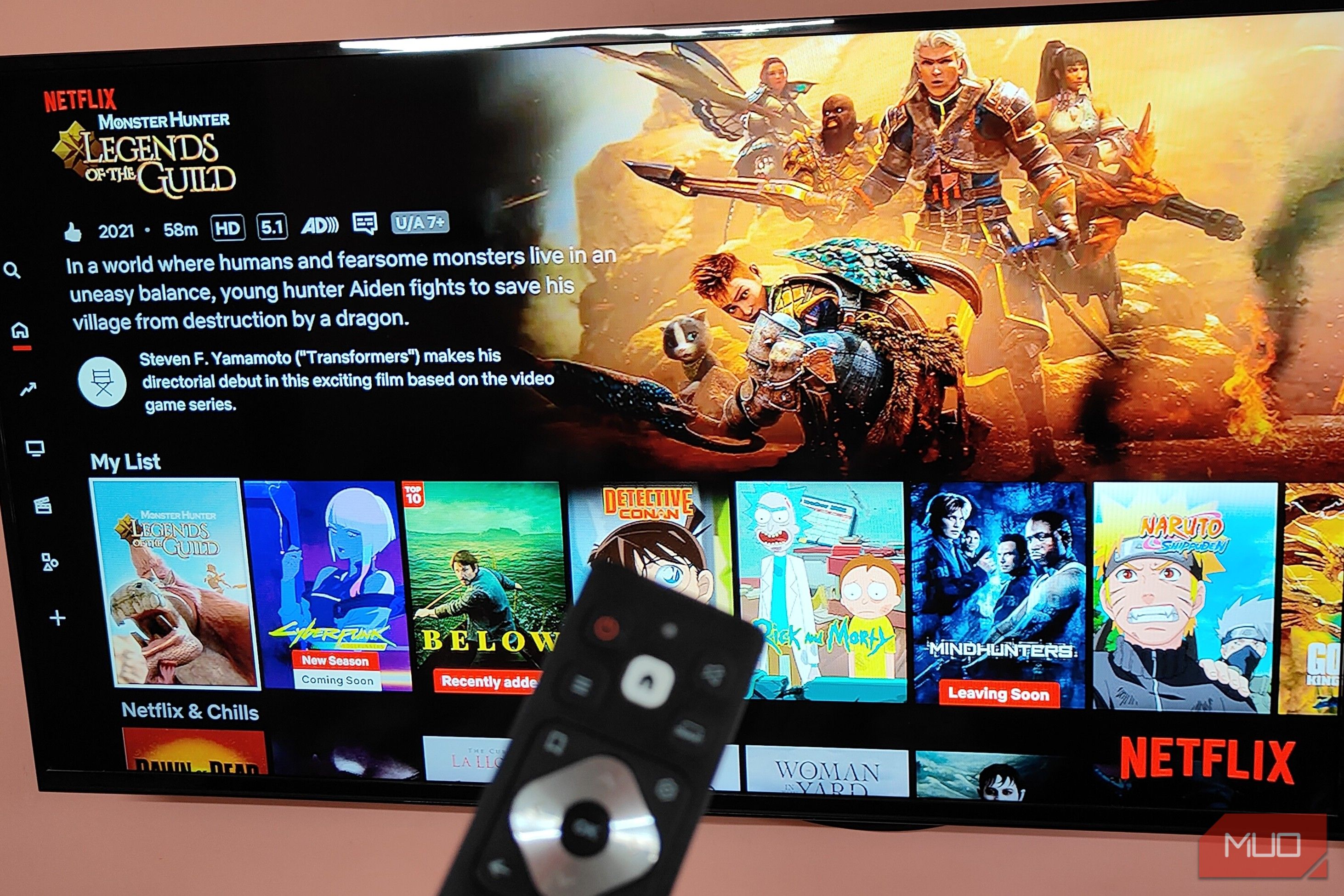
Netflix app on the Fire TV Stick.Credit: Suman Biswas/MUO By Suman Biswas Published Oct 18, 2026, 6:30 AM EDT Suman is a Computer Science graduate with a passion for gaming and technology. His love for technology started when he first got his hands on an NES. An avid gamer and PC enthusiast at heart, Suman started his writing journey back in 2023. While gaming takes up most of his free time, Suman also dabbles in tinkering with PC builds and consoles. Sign in to your MakeUseOf account Add Us Summary Generate a summary of this story Like Like follow Follow followed Followed Thread Log in Here is a fact-based summary of the story contents: Try something different: Show me the facts Explain it like I’m 5 Give me a lighthearted recap Nothing's worse than buying a brand-new 4K TV and being forced to watch 1080p content on it. While going through my Netflix back catalog, I noticed something peculiar: despite my Premium subscription, Netflix wasn't streaming in 4K. And this issue wasn't isolated to just my TV, but also extended to my phone and PS5. This was quite a surprise, considering I was paying extra exclusively for better visuals on my devices.
Furthermore, this issue doesn't seem to happen with other streaming services that I use, such as Prime Video and Disney+. Digging through the internet, I figured out that the cause of the issue isn't my devices, but the restrictions Netflix has in place.
Netflix app on the Fire TV.Credit: Suman Biswas/MUODescription of Godzilla: King of Monsters on Netflix running on Google Chrome.Credit: Suman Biswas/MUOStats for Tokyo Ghoul running on Netflix running on Google Chrome.Credit: Suman Biswas/MUOStats for Cyberpunk Edgerunners on Netflix running on Google Chrome.Credit: Suman Biswas/MUONetflix app on Android showing Cyberpunk Edgerunners.Credit: Suman Biswas/MUOCloseNetflix app on the Fire TV.Credit: Suman Biswas/MUODescription of Godzilla: King of Monsters on Netflix running on Google Chrome.Credit: Suman Biswas/MUOStats for Tokyo Ghoul running on Netflix running on Google Chrome.Credit: Suman Biswas/MUOStats for Cyberpunk Edgerunners on Netflix running on Google Chrome.Credit: Suman Biswas/MUONetflix app on Android showing Cyberpunk Edgerunners.Credit: Suman Biswas/MUO Contrary to what most users might think, Netflix doesn't actively "deny" access to 4K content. Instead, it drops to 1080p only if the hardware used to play Netflix content fails one of the long list of safety/certification checks. In the case of Google Chrome, Firefox, and some of the older browsers, this issue essentially boils down to software-level DRM(s). Chrome and Firefox use software-level Widevine DRM, which Netflix considers a vulnerability.
As a result, in older versions of Google Chrome, especially the x86 version, you won't be able to access 4K video content on Netflix. It's a measure Netflix and many other streaming services use to prevent screen recording.
Now, this doesn't mean you cannot play 4K Netflix content on Google Chrome. As long as you're using the latest version of the browser, you can stream 4K content from Netflix, as long as you have the 4K plan enabled. Otherwise, you can always use the official Netflix app for Windows or, well, Microsoft Edge.
Both apps support 4K streaming without any extra steps. Also, in case you want to verify whether the stream is running at 4K or not, just type Ctrl + Alt + Shift + D. This pulls up all the stats of the stream, including resolution, bitrate, and more.
Jorge Aguilar / MakeUseOf While your streaming box or TV might have a 4K sticker, it doesn't automatically mean it will always display 4K content while streaming. Because services like Netflix use DRM, you can get completely different visual quality across two streaming boxes, even if both are rated for 4K output. For instance, while using my Fire TV Stick, I can stream Netflix content at 4K without any issues.
However, trying the same thing using my 4K TV's built-in Netflix app gives me a noticeably lower-quality image. This is due to the lack of certification on my TV's app store (and Netflix app).
![Zapier vs. Tray comparison: Which is best for enterprise automation? [2026]](https://images.ctfassets.net/lzny33ho1g45/1yB55KkctBPlYi9okoXbAw/c54021a84c3dd00d7cf7ae7857e85f84/zapier-vs-tray-hero.jpg)