Tashreef Shareef / MakeUseOfCredit: Tashreef Shareef / MakeUseOf By Tashreef Shareef Published Oct 15, 2026, 3:00 PM EDT Tashreef's fascination with consumer technology began in the school library when he stumbled upon a tech magazine, CHIP, which ultimately inspired him to pursue a degree in Computer Science. Since 2012, Tashreef has professionally authored over a thousand how-to articles, contributing to Windows Report and How-To Geek. He currently focuses on Microsoft Windows content at MakeUseOf, which he has been using since 2007.
With hands-on experience building websites and technology blogs, he brings practical developer insights to his technical writing. You can view his complete work portfolio at itashreef.com.
You might also stumble upon his short how-to video explainers, simplifying complex topics. Beyond writing, Tashreef enjoys creating short explainer videos, gaming, and exploring animated shows.
Upgrading from my aging GTX 1650 to an RTX 4060 Ti was a no-brainer, as it offered better frame rates and DLSS support for demanding titles. But the new GPU also brought an unintended voice improvement with it.
To get cleaner audio from my basic microphone, I installed NVIDIA Broadcast, a free app that uses your RTX GPU to strip out background noise using AI. The end result was studio-clean audio from a microphone that used to pick up every bit of background noise. I've used my phone as a meeting microphone before as a workaround, but Broadcast saved me at least $100 on a new microphone.
NVIDIA originally released this app as RTX Voice back in 2020, and it has since evolved into a full-featured app called NVIDIA Broadcast. To make the magic happen, the app creates a virtual microphone that sits between your real mic and your apps. Your voice passes through the RTX GPU, where AI models strip out background noise, room echo, and other unwanted sounds. You then select Microphone (NVIDIA Broadcast) as your input in Discord, Zoom, OBS, or whatever app you use, and it does the rest.
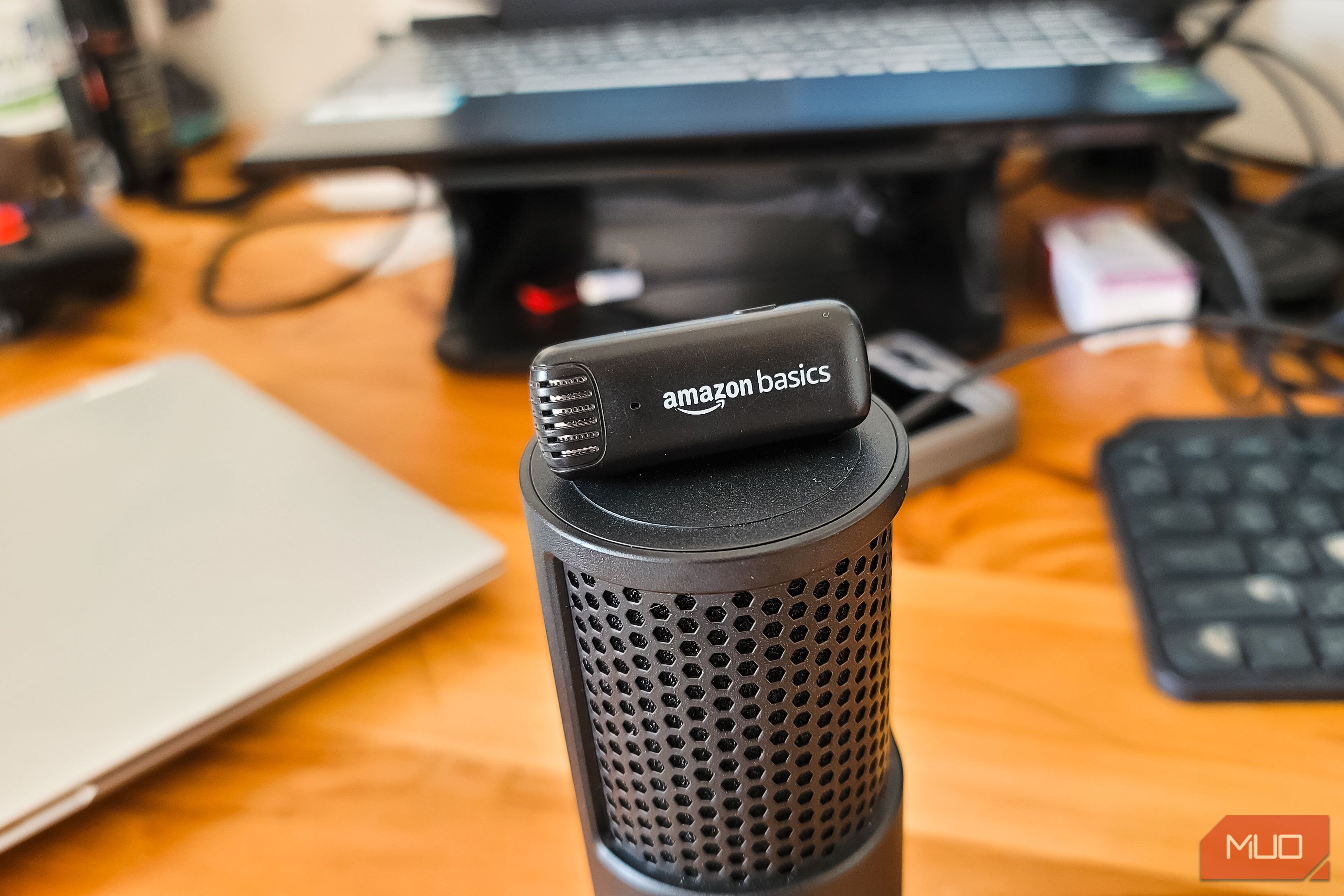
I use a basic wireless microphone from Amazon. It's fine for casual conversations, but it picks up just about everything in my room: the PC fans running at full speed during a gaming session, my loud mechanical keyboard, and whatever else is happening around me. I tend to run warm, so my room usually has a fan or the AC going, which adds even more noise.
Broadcast's core features center around three tabs: Microphone, Speakers, and Camera. In that, Noise Removal is the main feature, and it does exactly what the name suggests. There's also Room Echo Removal, which cleans up the hollow, echoey sound you get when your mic picks up audio bouncing off walls. And if you want to push things further, Studio Voice makes a cheap mic sound closer to a studio microphone, though it needs an RTX 3060 desktop GPU or better to work.
![Zapier vs. Tray comparison: Which is best for enterprise automation? [2026]](https://images.ctfassets.net/lzny33ho1g45/1yB55KkctBPlYi9okoXbAw/c54021a84c3dd00d7cf7ae7857e85f84/zapier-vs-tray-hero.jpg)