Tashreef Shareef / MakeUseOfCredit: Tashreef Shareef / MakeUseOf By Pankil Shah Published Oct 6, 2026, 8:01 AM EDT Pankil is a Civil Engineer turned freelance writer from Ahmedabad, India. As a long-time Windows and Android user, he has extensive knowledge of both operating systems and specializes in creating how-tos and troubleshooting guides.
Pankil has been writing about Windows, Android, and iOS since 2021. He has written over 2000 articles across reputable publications like MakeUseOf, Android Authority, GuidingTech, and TechWiser.
Outside of his writing endeavors, Pankil is an avid football fan and loves to plan his international travels with his wife in his free time.
Partitioning a drive sounds like something from the Windows XP era. It's the kind of thing that was useful for old hard drives, not something you need to bother with on large SSDs. And yes, partitioning is technically optional. Your Windows PC can run just fine off a single drive without asking you to touch Disk Management.
But that doesn't mean partitioning is irrelevant. There are still good reasons to split your drive into separate partitions, and most of them have nothing to do with speed.
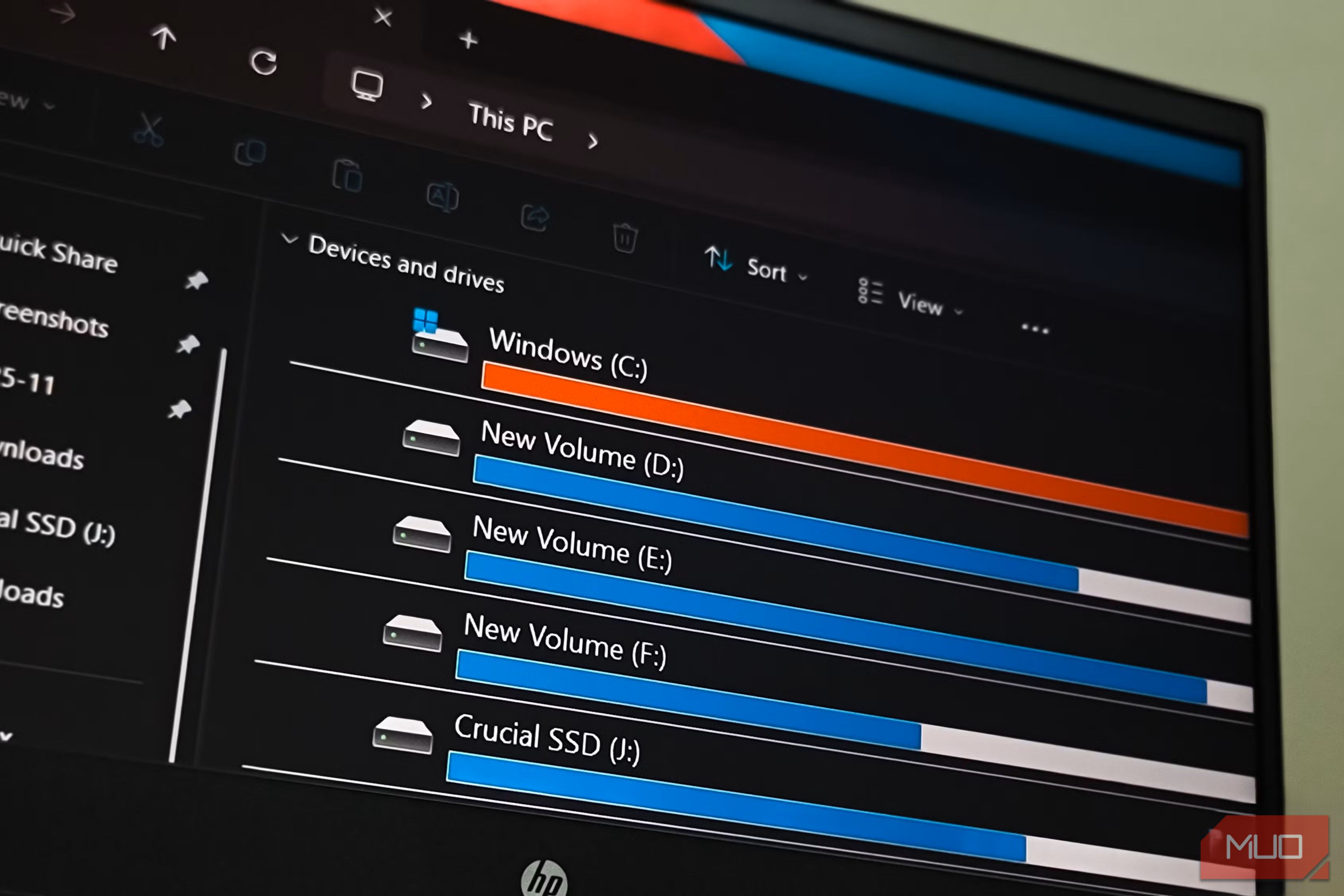
image credit - self captured (Tashreef Shareef) - No Attribution Required This one's obvious, but partitioning your drive is great for organizing your data. You can keep Windows and all the apps in C: drive, while your personal files live inside D:, and games sit on another drive entirely. With everything split out, you always know where to look when finding something.
You could technically do this with folders too, but a separate partition makes it a lot easier to actually stick to. It also forces a bit of discipline. With a dedicated partition, you can see at a glance how much space your games or work files are eating up.
image credit - self captured (Tashreef Shareef) - No Attribution Requiredimage credit - self captured (Tashreef Shareef) - No Attribution Requiredimage credit - self captured (Tashreef Shareef) - No Attribution Requiredimage credit - self captured (Tashreef Shareef) - No Attribution RequiredAfam Onyimadu / MUOCloseimage credit - self captured (Tashreef Shareef) - No Attribution Requiredimage credit - self captured (Tashreef Shareef) - No Attribution Requiredimage credit - self captured (Tashreef Shareef) - No Attribution Requiredimage credit - self captured (Tashreef Shareef) - No Attribution RequiredAfam Onyimadu / MUO A separate partition also makes encryption a lot less of a hassle. Instead of encrypting your entire drive — OS, apps, and all — you can lock down just a specific partition that holds sensitive stuff, like personal photos, documents, or work files.
![Zapier vs. Tray comparison: Which is best for enterprise automation? [2026]](https://images.ctfassets.net/lzny33ho1g45/1yB55KkctBPlYi9okoXbAw/c54021a84c3dd00d7cf7ae7857e85f84/zapier-vs-tray-hero.jpg)