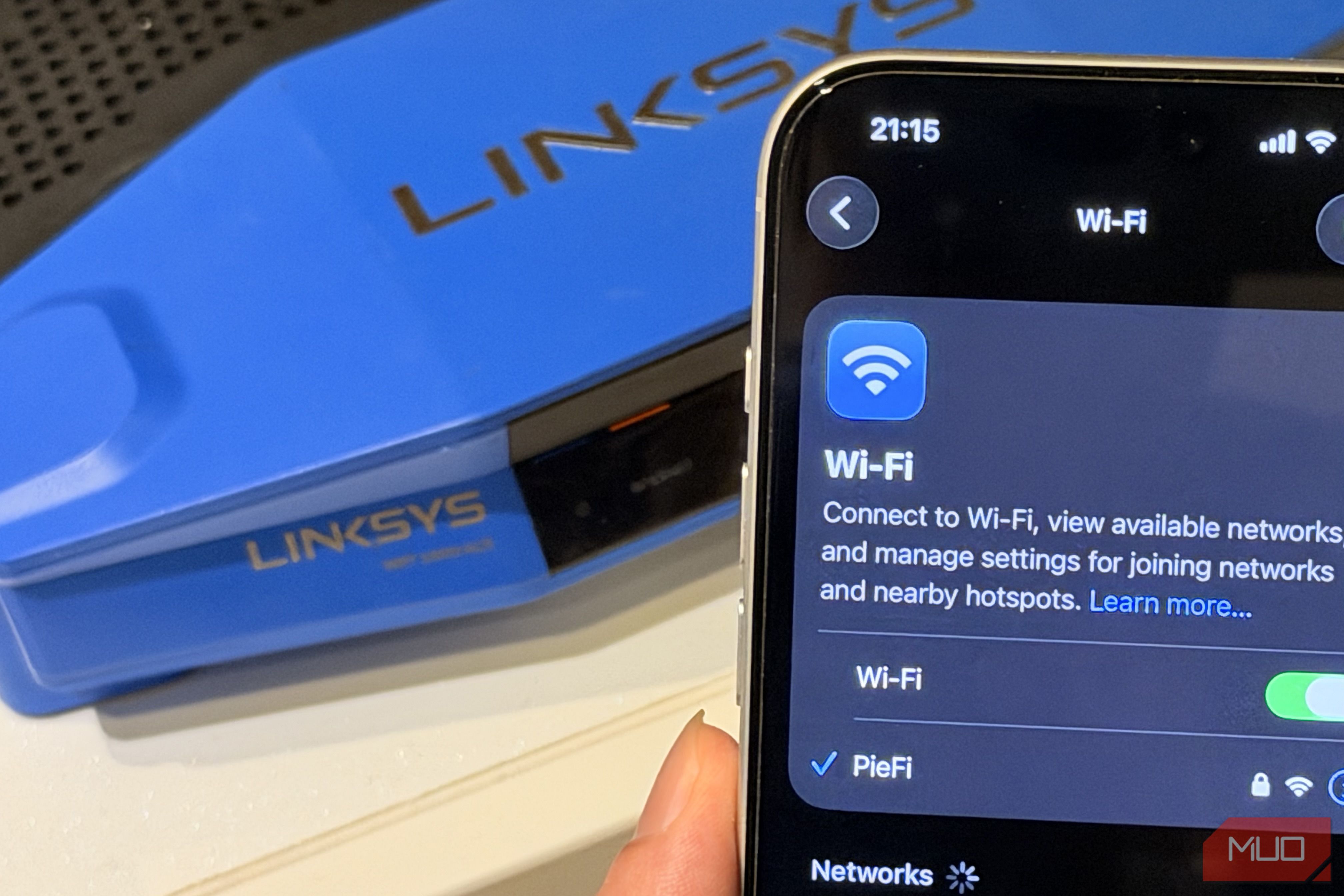
Phone showing full Wi-Fi bar at full signal with a Linksys router in the background. Photo by Amir Bohlooli By Kanika Gogia Published Oct 3, 2026, 2:31 PM EDT Kanika began writing about consumer technology in 2019 and has contributed to tech websites like Beebom and The Mac Observer. During her journey, she covered a wide range of topics, including Android, Windows, AI, and everything Apple. She has been a loyal iPhone user since 2014, and owns an Apple device from almost every lineup. With a keen eye on the latest trends, she strives to help users get the most out of their gadgets. Beyond her love for writing, she is a deep researcher and a lifelong learner, always eager to explore the latest innovations and emerging technologies. With her passion for technology and writing, she joined MUO in 2025 as a Freelance Tech Writer. When not writing, she's probably trying a viral Instagram recipe or watching some thriller suspense on Netflix.
Generate a summary of this story Like Like follow Follow followed Followed Thread Log in Here is a fact-based summary of the story contents: Try something different: Show me the facts Explain it like I’m 5 Give me a lighthearted recap A fast internet plan doesn't always mean you'll get fast Wi-Fi. I learned this when my internet connection could deliver high speeds, yet my video calls stuttered and downloads slowed down on the other side of my home.
Like many folks, I first blamed my internet provider. But then, I realized that Wi-Fi and internet connection are two different things. Basically, your ISP delivers internet to your home, and your router distributes that connection wirelessly to your devices. If something interferes with that wireless connection, your Wi-Fi can still feel painfully slow, no matter if you’ve got a fast internet plan.
Before you put the entire blame on your ISP or pay extra to upgrade your broadband plan, you must check what's happening between your router and your devices.
Afam Onyimadu / MUO This sounds simple and obvious, but where you place your router has a huge impact on Wi-Fi performance. Most of us don’t really care about where and how the router is placed. They often end up wherever the ISP technician found a socket and installation is easy. This could be behind the TV or on the floor in a corner. Unfortunately, these are some of the worst places for a device that broadcasts radio waves.
Wi-Fi signals can’t travel through everything, and they weaken with distance and every obstacle, like a wall, appliance, or fish tank. So, you have to minimize these obstructions between your router and your devices. The best spot for your router is central, high up, and out in the open. For instance, you can place it on a shelf or use a stand on your wall. Also, you should keep the router away from cables and electronics such as some Bluetooth devices and microwave ovens. Sometimes, this change alone can fix dead zones in your home.
Screenshot by Pankil Shah -- No attribution requiredScreenshot by Pankil Shah -- No attribution requiredScreenshot by Pankil Shah -- No attribution requiredScreenshot by Pankil Shah -- No attribution requiredScreenshot by Pankil Shah -- No attribution requiredCloseScreenshot by Pankil Shah -- No attribution requiredScreenshot by Pankil Shah -- No attribution requiredScreenshot by Pankil Shah -- No attribution requiredScreenshot by Pankil Shah -- No attribution requiredScreenshot by Pankil Shah -- No attribution required Modern routers can broadcast on at least two frequency bands: 2.4GHz and 5GHz. Newer models can even add 6GHz. Each band has its own strengths and trade-offs.
For instance, the 2.4GHz band can travel farther and penetrates walls better, but it’s also slower and more prone to interference from other devices. On the other hand, the 5GHz band delivers much faster speeds, but its range is shorter. The 6GHz band, available on Wi-Fi 6E and Wi-Fi 7 routers, is faster and cleaner, but its range is shorter. So you see, the band your device uses directly impacts both speed and range.
![Zapier vs. Tray comparison: Which is best for enterprise automation? [2026]](https://images.ctfassets.net/lzny33ho1g45/1yB55KkctBPlYi9okoXbAw/c54021a84c3dd00d7cf7ae7857e85f84/zapier-vs-tray-hero.jpg)